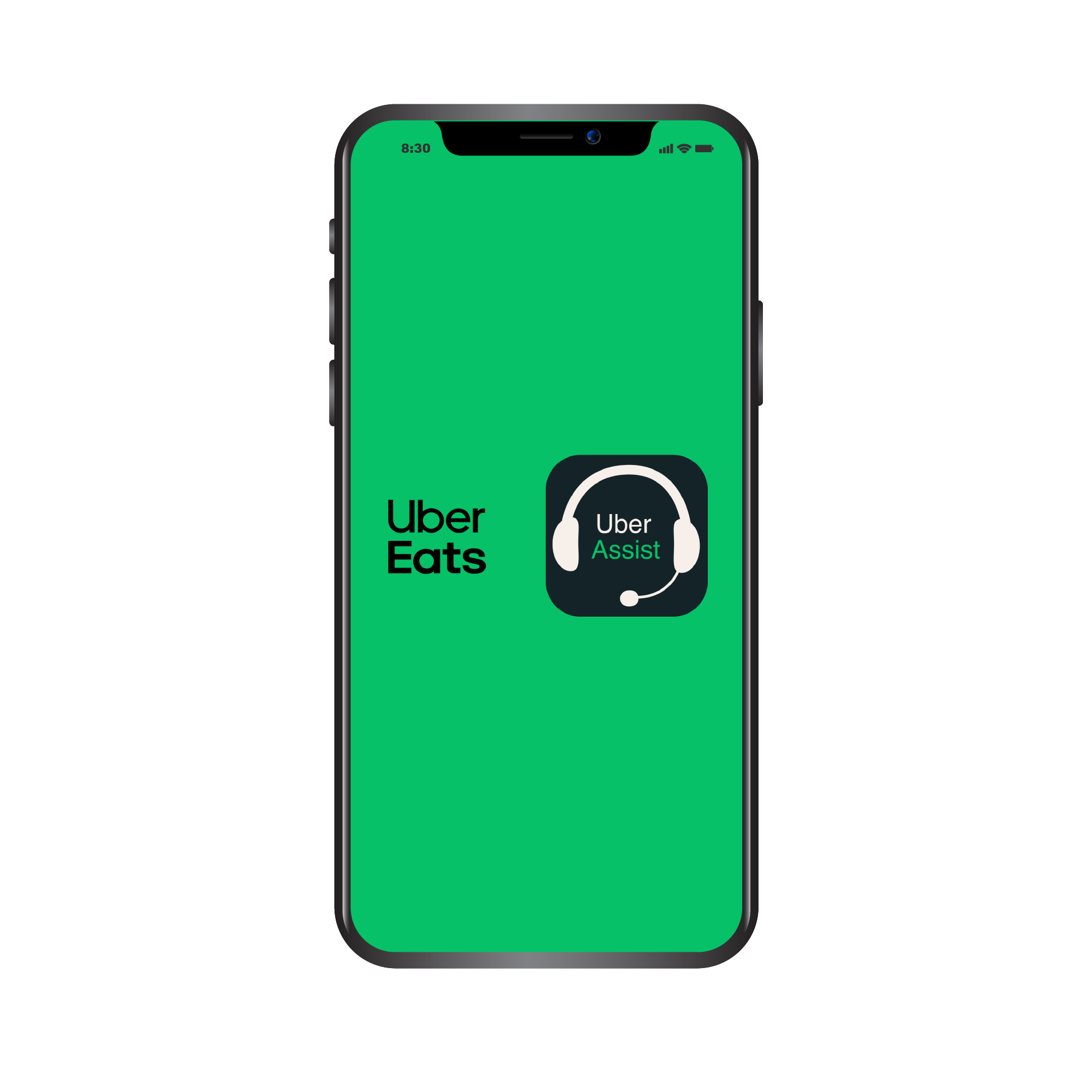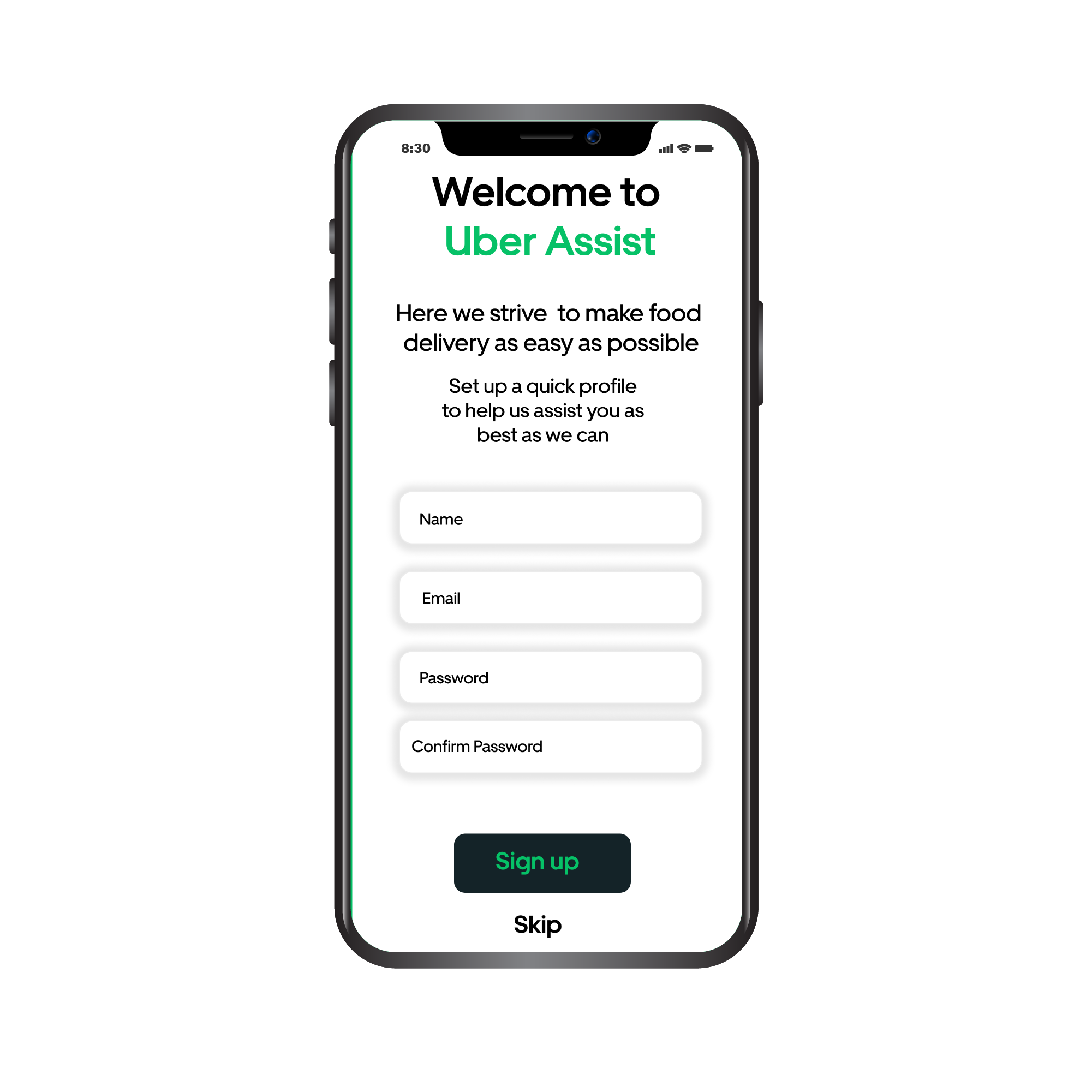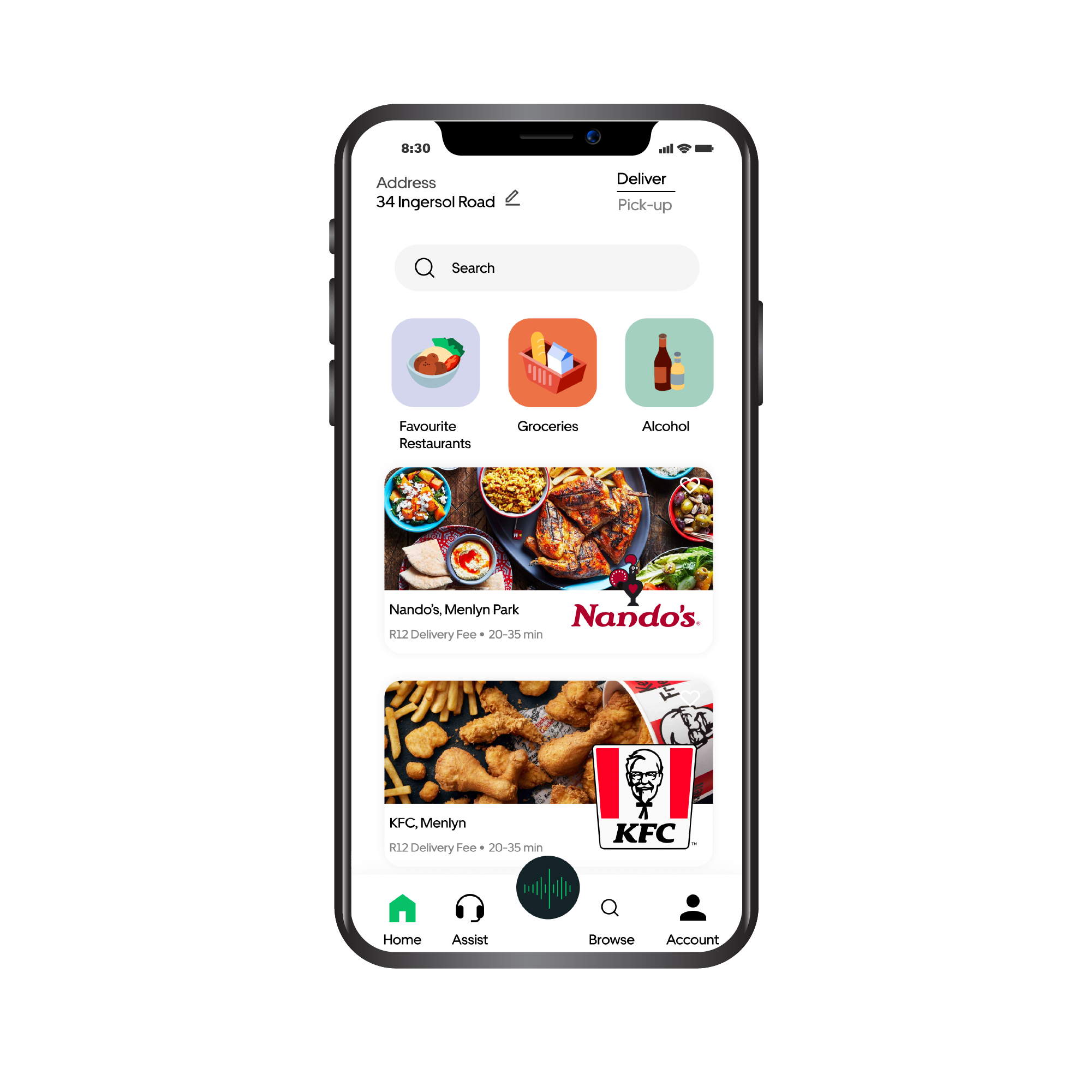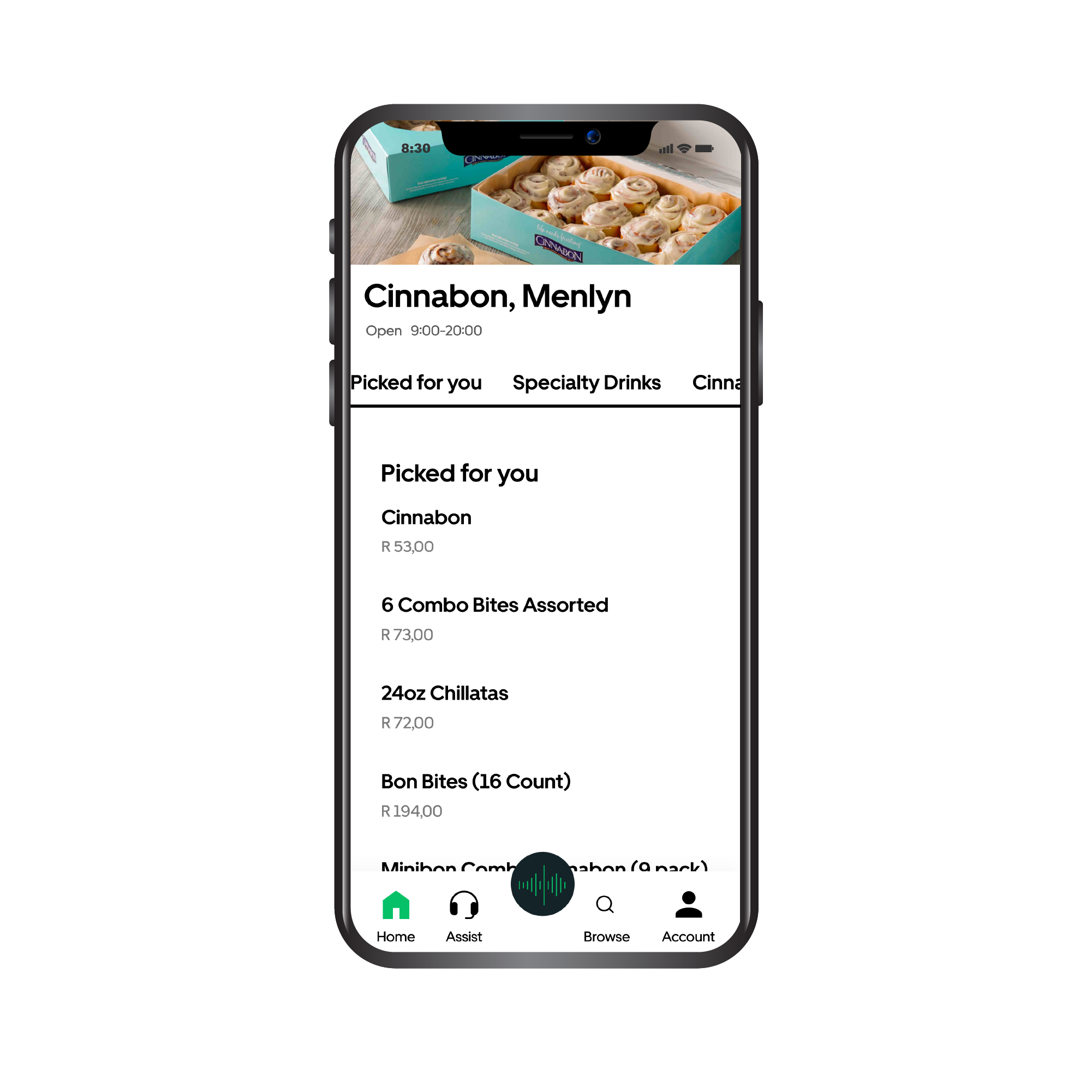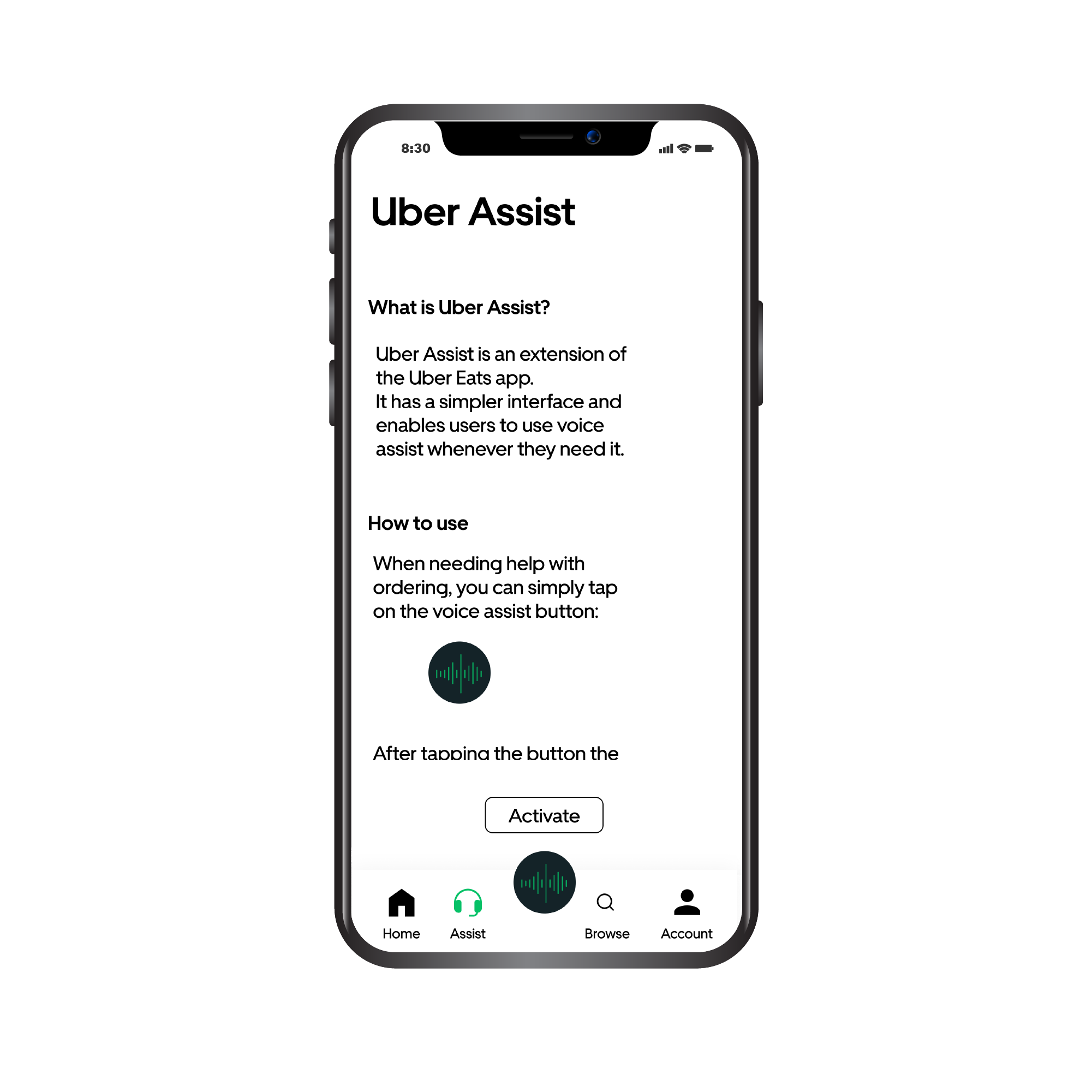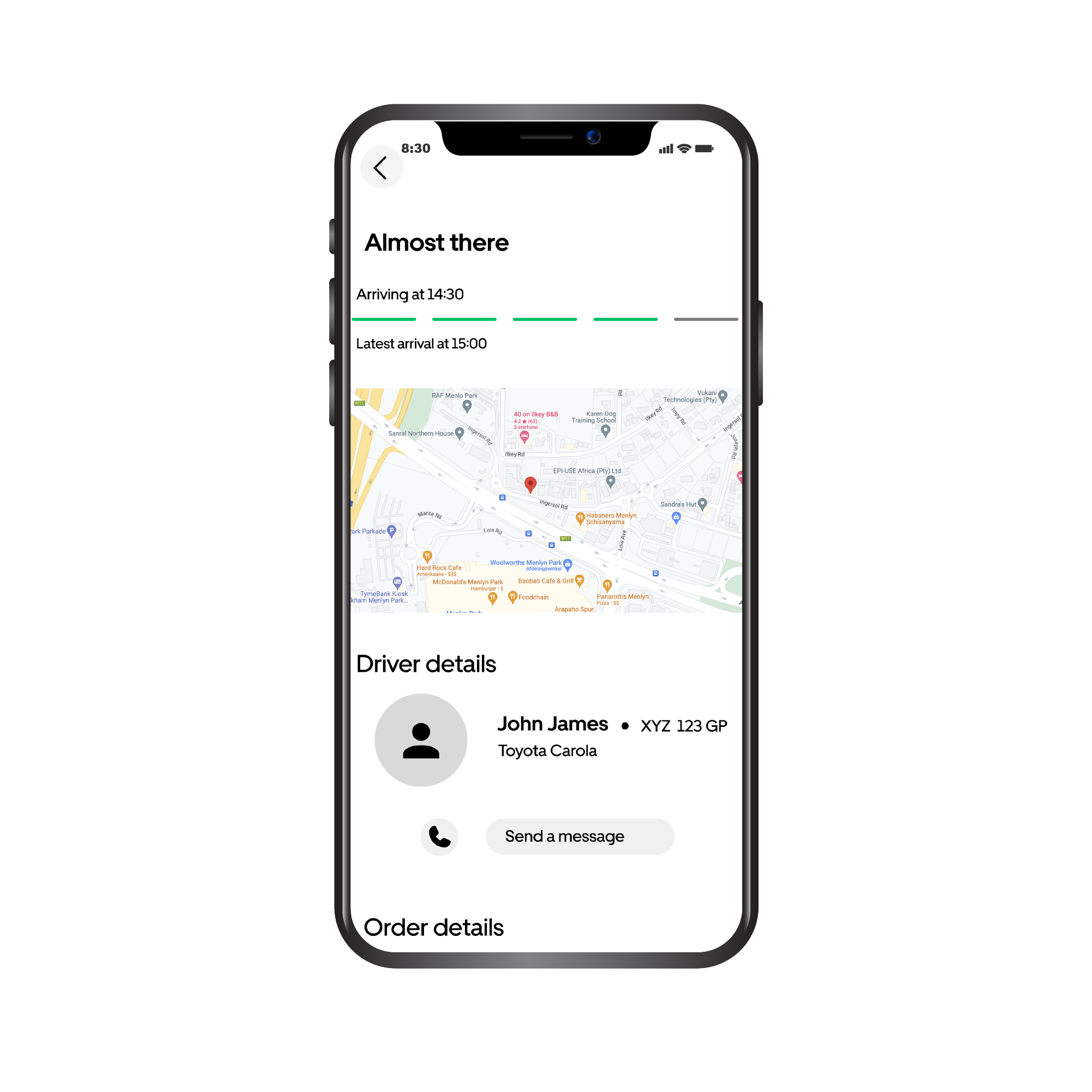

UI design can be daunting, UI design for people aged 55 and up… terrifying. It was clear that some sort of assistance had to worked into the app, which is where the concept of Uber Assist comes in. The concept is simple, upon opening the Uber Eats app the user can chose whether they want to proceed to the normal app or if they want to use Uber Assist. Uber Assist asks you some questions when you open it the first time, to determine your allergies, illnesses, or any other qualms. The interface is fairly normal, just slightly bigger and simplifies, the Assist option is also in the navigation at the bottom. This will take the user to the Assist setting where they can either hop on a chat with an assistant or they can call an assistant. There is also a voice assistant option.
People over 55 prefer a type of human interaction when receiving assistance, but this is not always possible with mobile applications
The concept is simple, upon opening the Uber Eats app the user can chose whether they want to proceed to the normal app or if they want to use Uber Assist. Uber Assist asks you some questions when you open it the first time, to determine your allergies, illnesses, or any other qualms. The interface is fairly normal, just slightly bigger and simplifies, the Assist option is also in the navigation at the bottom. This will take the user to the Assist setting where they can either hop on a chat with an assistant or they can call an assistant. There is also a voice assistant option.